

WordPress bug fixes and maintenance keep a site working when plugins conflict, updates break features, or errors appear. Without regular care, small problems can turn into downtime, lost enquiries and a slow site that visitors leave.
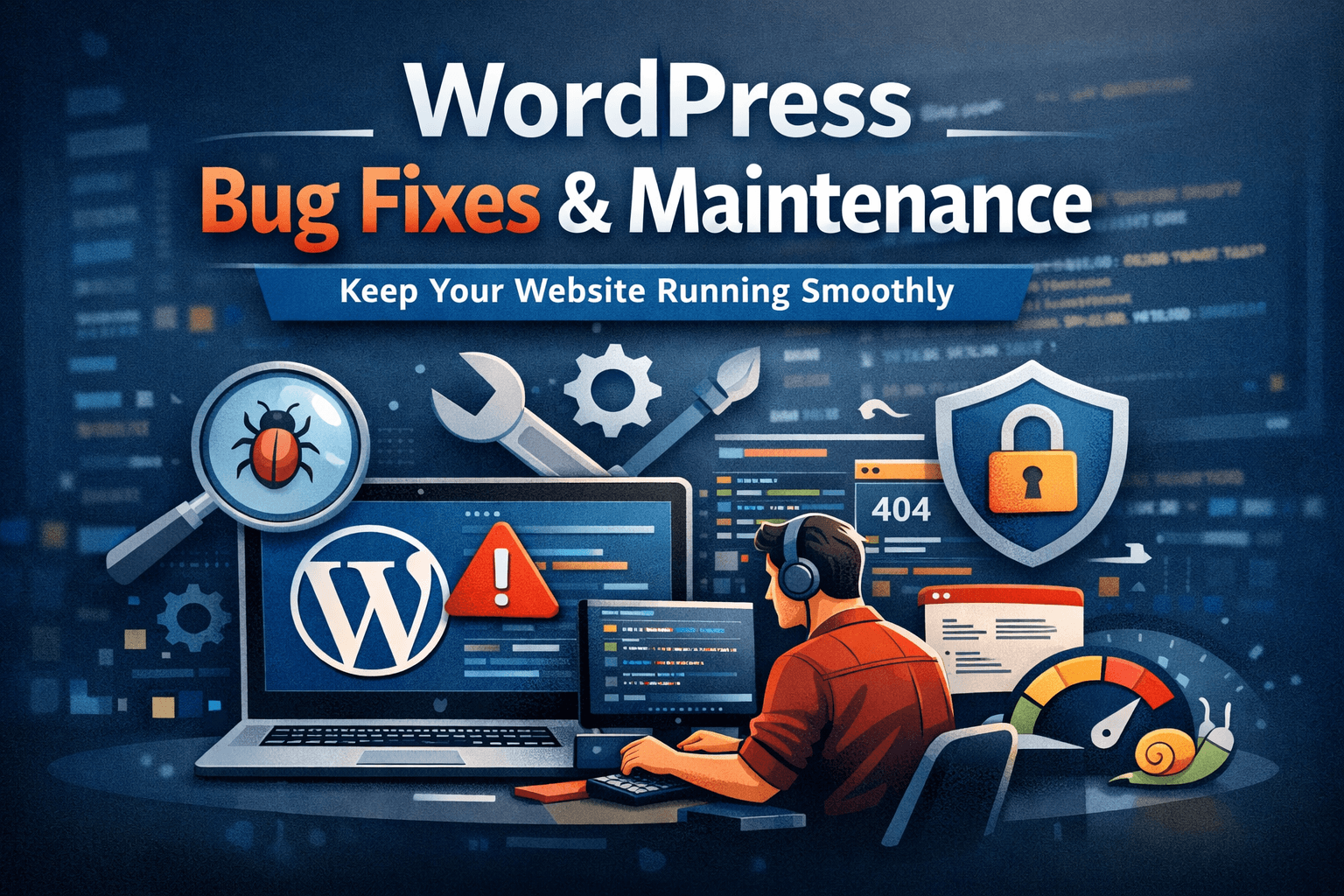
Common WordPress bugs and what causes them
Plugin conflicts
Plugins can conflict with each other or with your theme, causing features to stop working or the whole site to crash.
Broken layouts after updates
CSS or theme changes can break layouts, especially on mobile devices, which affects how visitors use the site and whether they convert.
Slow pages and timeouts
Unoptimized code, heavy plugins or a weak server can slow the site down. For fixes to speed issues, see the guide on WordPress page speed optimization.
Critical errors and the white screen
Common symptoms include the message “There has been a critical error on this website,” a blank white screen, and 404 errors on pages that used to work. Any of these can make a site unreachable.
Security-related bugs
Vulnerabilities in themes or plugins can open the door to attacks if they are not fixed quickly. For a broader view, read the guide on WordPress website security.
How WordPress bug fixes are done, step by step
- Reproduce the problem and check the error logs.
- Find the root cause, whether it is the theme, a plugin or the server.
- Apply the fix on a staging copy when possible, so the live site is not affected.
- Test the fix on desktop and mobile, including forms and checkout.
- Set up monitoring and prevention so the same problem is caught earlier next time.
What WordPress maintenance includes
- Updating WordPress core, plugins and themes
- Monitoring uptime and performance
- Regular backups, with restore tests
- Fixing minor bugs before they become major issues
- Checking compatibility after every update
Without regular maintenance, a site will eventually run into performance problems or downtime.
Why regular WordPress maintenance costs less than emergency fixes
Fixing things yourself can look cheaper at first, but it often causes bigger problems. An incorrect fix can break the whole site, debugging without experience can take hours, and temporary workarounds tend to come back. Regular maintenance catches these issues while they are still small.
Get help with WordPress bug fixes and maintenance
If your site is slow, broken or showing errors, it is better to fix it before it affects your business. I offer WordPress bug fixes and ongoing maintenance to keep your site running reliably.